AC Not Turning On? Thermostat Not Working with AC: Checks to Make First
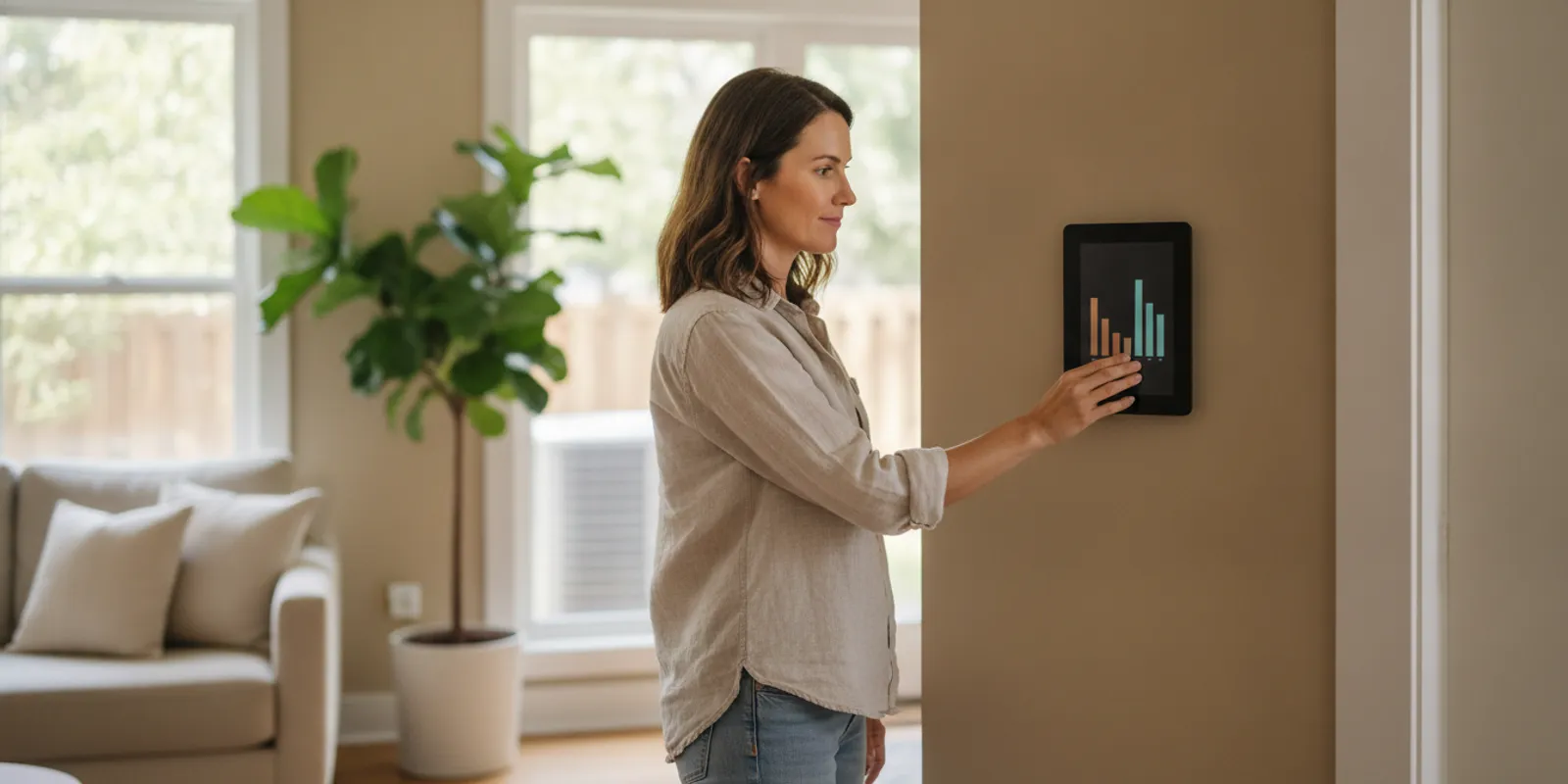
If your AC is not turning on, the thermostat is a sensible place to begin—but it is only one part of the system. A setting, power interruption, clogged filter, or safety switch can all prevent cooling. These checks help you identify a simple issue without opening equipment or working around live electrical parts.
Why is your AC not turning on?
A thermostat tells the cooling system when to run. If its screen is blank, its mode is wrong, or its temperature setting does not call for cooling, the air conditioner may stay quiet. But a working display does not prove the whole system is receiving power or operating correctly. The thermostat, indoor air handler or furnace, outdoor condenser, wiring, and safety controls all play a role.
Start with checks that are visible and reversible. Do not remove an electrical panel cover, reach into a unit, bypass a safety switch, or repeatedly reset a breaker. If you notice a burning smell, smoke, sparks, a hot electrical panel, or water near electrical equipment, stop. Keep clear and contact an appropriate professional; call emergency services if there is an immediate fire or life-safety hazard.
What should you check on the thermostat first?
Look at the thermostat before changing anything else. A small setting error can look like a major equipment failure. Make one adjustment at a time so you can tell whether it changes the system’s response.
- Confirm the mode. Select “Cool” rather than “Heat,” “Off,” or “Fan.” The wording differs by thermostat. If it is set to “Auto,” check that the schedule or programmed mode is actually calling for cooling.
- Lower the set temperature. Set the target several degrees below the room temperature shown on the thermostat. If the room is already at or below the set point, the system may not have a reason to start.
- Check the fan setting. “Auto” usually means the indoor fan runs with a heating or cooling call. “On” can run the fan without cooling. A running fan by itself does not mean the AC is actively cooling.
- Check the display and batteries. If the screen is blank or dim and your thermostat uses replaceable batteries, install the type and orientation specified by its manufacturer. Some thermostats are powered another way, so do not assume every blank screen needs batteries.
- Review the schedule or hold. A programmed schedule, vacation setting, or temporary hold may have changed the set point. Check the displayed target and schedule, and adjust only if you understand the setting.
- Look for a delay message. Some thermostats intentionally delay a restart after a system stops. Wait several minutes rather than rapidly switching modes or repeatedly changing the setting.
For a basic control check, a technical service guide recommends confirming that the thermostat or primary control switch is turned on when an HVAC unit will not run. That is a useful first check, not a diagnosis of every possible fault. See the Refrigeration School’s HVAC service-call tips for that troubleshooting reminder.
What does a blank thermostat screen tell you?
A blank screen can mean the thermostat has lost its power source, but it does not identify the cause by itself. If it uses batteries, replace them as directed and see whether the display returns. If it is hardwired, power may come from the HVAC equipment, and a system interruption or wiring issue could be involved. Avoid pulling the thermostat from the wall or touching wires to investigate.
After replacing batteries, give the thermostat a moment to restart, then select cooling and a lower set point. If the screen remains blank, comes back and then goes blank again, or the thermostat displays an error code, note exactly what it shows. Do not try to bridge thermostat terminals or use improvised wiring. That can damage controls or create an electrical hazard.
Check whether the indoor HVAC equipment appears to have power without opening it. Is a nearby service switch visibly off? Did another household member turn it off? If a plainly accessible switch is off and you know it controls the system, you can return it to the on position once. Do not touch damaged, wet, hot, or exposed electrical parts. If the equipment still has no response, leave further electrical checks to a technician.
Could the thermostat be calling for cooling when the AC stays quiet?
Yes. If the thermostat display is working and its setting calls for cooling, listen for what happens next. A quiet indoor unit and quiet outdoor unit suggest a different set of possibilities than a fan that runs while the room remains warm. These clues cannot confirm a failed part, but they help describe the symptom accurately.
- No sound from either unit: Check the thermostat mode and set point, then note whether the indoor equipment appears to have power. A power interruption or control issue may be involved.
- Indoor fan runs, outdoor unit does not: The fan may be running independently of a cooling cycle, or the outdoor equipment may not be responding. Do not open the condenser or try to start it manually.
- Outdoor unit runs, little or no air comes from vents: Turn cooling off if airflow is absent. A fan, filter, indoor unit, or other issue may need attention; continuing to run the system without airflow may not help.
- System starts briefly, then stops: Note how long it runs and whether it repeats. Short cycling can have several causes and should not be treated by repeatedly switching the thermostat.
- Air moves but is not cool: This is different from an AC that does not start. Check the filter and thermostat, then record whether the outdoor unit is running. Avoid guessing at refrigerant or making adjustments to the equipment.
For broader cooling problems, see the company’s air conditioning services information. If the issue appears to involve a home electrical circuit rather than cooling equipment, the electrical service page describes its electrical work.
How can you check power without opening equipment?
Keep this check visual and limited to controls you can safely reach. Look for an obvious loss of power in the room or equipment area. If other lights or appliances are out too, the problem may be broader than the AC. If only the cooling system is affected, observe—but do not disassemble—the indoor equipment and outdoor unit.
Check the home’s breaker panel from the outside. If a breaker is visibly in a tripped position, follow the panel’s instructions and household safety guidance. Do not remove the panel cover, touch wiring, or keep resetting a breaker that trips again. A breaker that will not stay on is a reason to stop and request qualified help, not to try repeated resets.
Some HVAC systems have a service switch near the indoor equipment, and outdoor units may have a disconnect. Do not open a disconnect box or touch its contents. If a switch is clearly accessible, undamaged, dry, and simply set to off, only restore it if you are certain what it controls. If it trips, feels hot, looks damaged, or you are unsure, leave it alone. Never bypass a door interlock, float switch, or other safety control.
During a power interruption, allow the system and thermostat to recover before testing again. Follow any instructions on the thermostat or equipment. If the AC still does not respond after power returns, or the breaker trips again, write down what happened and arrange service instead of cycling power repeatedly.
Can a dirty air filter stop the AC from turning on?
A dirty filter more often restricts airflow than makes the thermostat itself stop working, but restricted airflow can contribute to system trouble or a safety shutdown in some systems. Check the filter if it is easy to reach. Turn the system off at the thermostat before removing it, and use the size and direction markings on the existing filter or equipment instructions when putting in a replacement.
Do not run the system without a filter as a test. A filter that looks dusty may not be the only cause, and a new one will not fix every cooling problem. If the filter is wet, heavily clogged, hard to access, or you see ice on equipment or refrigerant lines, turn cooling off and call for service. Do not chip away ice or use a heat source to thaw it.
Also check that supply registers and return grilles are not covered by furniture, rugs, curtains, or stored items. Open accessible registers and clear obstructions. A closed room vent does not prove a fault, but good airflow through the home matters. If airflow stays weak after you clear obstructions and address an overdue filter, describe that detail when you request help.
What if the AC starts but does not cool?
When the thermostat is on “Cool” and the system runs but the home does not cool, note the difference between a start-up failure and a cooling-performance problem. Confirm the set point is below the room temperature, check whether the fan is set to “Auto,” and look at the filter. Then observe whether air comes from the vents and whether the outdoor unit appears to run. Do not touch the outdoor unit’s grille or reach inside it.
If you see ice, hear an unusual grinding or buzzing sound, smell something burning, or notice water leaking near electrical equipment, switch cooling off and seek professional guidance. A little water at a condensate drain outlet may be part of normal operation, but water inside the home or near electrical components should not be ignored. Do not pour chemicals into a drain or open a drain line unless the equipment maker’s instructions specifically call for a simple homeowner task you can safely perform.
Repeatedly lowering the thermostat will not make the AC cool faster. It can make the system run longer without addressing the underlying issue. Give the system time to respond after one reasonable setting change. If the indoor temperature keeps rising, or the equipment runs without effective cooling, arrange an assessment rather than continuing to experiment.
Which symptoms mean you should stop troubleshooting?
Homeowner checks should not become electrical or mechanical repair. Stop and request help when the symptom points beyond a setting or simple filter check, or when a check would require removing a cover, reaching into equipment, or handling wires.
- A breaker trips more than once or will not reset. Leave it off and do not try a larger breaker or another circuit.
- You smell burning, see smoke or sparks, or find a hot or damaged switch. Do not use the equipment. Keep clear and address any immediate hazard appropriately.
- The thermostat stays blank after the basic battery check, or its display repeatedly resets. The source of the problem may require electrical or HVAC diagnosis.
- The system makes a new loud noise, starts and stops repeatedly, or produces no airflow. Turn cooling off if continued operation seems unsafe or the equipment is not moving air, then describe the behavior.
- You see ice, unusual water, or a persistent leak. Stop cooling when appropriate, avoid touching the equipment, and report where and when you noticed it.
- The outdoor unit is silent while the indoor system runs, or the indoor system is silent while the outdoor unit runs. The mismatch is useful diagnostic information; it is not a signal to open either unit.
Brilliant Home Services serves Chicagoland homeowners with heating and cooling work as well as electrical service. If your first checks do not restore cooling, you can contact the team to discuss service. For local service information, review the service areas page.
What should you tell an HVAC technician?
A short, specific description helps a technician understand what you have already checked and what the system is doing. You do not need to identify the failed part. Write down observations rather than conclusions, and leave the system in a safe condition if it shows warning signs.
- Describe the thermostat. Share whether its screen is on, the selected mode, displayed room temperature, set point, and any message or error code.
- State what starts. Say whether the indoor fan, outdoor unit, both, or neither appear to run. Include whether you hear clicking, buzzing, or repeated starts.
- Explain the timing. Note when the problem began, whether cooling stopped suddenly or gradually, and how long the system runs before it stops.
- List the checks you made. For example, you confirmed “Cool,” lowered the set point, replaced thermostat batteries, or checked an accessible filter. Mention if you did not do a check because it was unsafe or unclear.
- Report other clues. Include a breaker trip, power outage, recent work near the thermostat, weak airflow, ice, water, unusual smells, or noise.
- Give useful access details. Explain where the thermostat and indoor equipment are located and whether the outdoor unit is accessible. Do not send anyone into an unsafe area.
These details are more useful than saying only “the AC is broken.” They also help keep the service conversation focused on the actual symptom. If you have a separate electrical concern, such as repeated breaker trips or a hot switch, make that clear when you call rather than treating it as a routine thermostat issue.
How do the common AC symptoms compare?
Use this table to organize what you observe. It is a guide for deciding what to check safely and what to report; it cannot identify a failed component remotely.
| What you notice | Safe first check | What to do next |
|---|---|---|
| Thermostat screen is blank | If it uses replaceable batteries, check or replace them as directed. | If the display stays blank, request service; do not handle wiring. |
| Screen works but system is silent | Confirm “Cool,” lower the set point below room temperature, and wait for any displayed delay. | If nothing starts, note the settings and arrange an assessment. |
| Indoor fan runs, outdoor unit is quiet | Confirm the thermostat is calling for cooling; observe from a safe distance. | Do not open the outdoor unit. Report which part is running. |
| System runs but airflow is weak | Check an accessible filter and clear blocked registers or returns. | If airflow remains weak, or you see ice, turn cooling off and seek help. |
| Breaker trips again | Do not keep resetting it or remove the panel cover. | Leave the circuit off and request qualified electrical or HVAC service. |
| Air blows but is not cool | Confirm cooling mode, set point, fan setting, and filter condition. | Record whether the outdoor unit runs and arrange service if cooling does not return. |
What should you avoid doing when the AC will not start?
When the house is warm, it is tempting to try every switch or online fix. A few limits protect you and the equipment:
- Do not remove covers from the thermostat, furnace, air handler, condenser, breaker panel, or disconnect to inspect wiring.
- Do not touch capacitors, wiring, fan blades, refrigerant lines, or internal components. Equipment can retain electrical energy or start unexpectedly.
- Do not keep resetting a tripped breaker or bypass a safety switch to force cooling.
- Do not repeatedly switch the system on and off or make large set-point changes in quick succession.
- Do not assume that a particular part has failed based on one sound, a blank screen, or a single symptom.
- Do not use a generator indoors or near openings to power HVAC equipment. Follow the generator manufacturer’s safety instructions and keep it outdoors.
If the system operates normally after a thermostat correction, keep an eye on it through a full cooling cycle. If the problem returns, note what changed. Recurrent stoppages are worth investigating even if the AC eventually restarts.
How should you prepare for a service visit?
A little preparation makes it easier to explain the problem without trying to diagnose it yourself. Keep the thermostat and equipment accessible, but do not move heavy items, climb into an unsafe space, or handle electrical components to make them easier to reach. If the indoor unit is in a closet or utility room, clear a safe path to the area. Let the technician know if the equipment is difficult to access.
Think through the last time the system worked normally. Did the AC stop after a power interruption, a thermostat adjustment, a filter change, or work in the area? Did anyone notice a new sound or smell? A recent event may be useful context, but it does not prove what caused the problem. Share what you observed and avoid presenting a guess as a confirmed diagnosis.
In a home with more than one thermostat or a zoned system, identify which rooms or floors are affected. Check whether the problem is limited to one zone or whether the whole home is warm. Do not change multiple zone settings at once; record the settings as they are. If one part of the home cools while another does not, tell the service team which areas differ.
If the system works intermittently, write down the time of day and what happens before it stops. Does the display change? Does a fan start? Does a breaker trip? Does the AC restart on its own? A short timeline can reveal a pattern that is easy to forget once someone arrives. If you have a thermostat manual or know its make and model, keep that information handy, but do not delay service to search for it.
Before the visit, decide what outcome matters most: restoring cooling, understanding why the equipment stopped, or checking a recurring issue. You can ask what the technician observed, which checks are needed, and whether any recommended work addresses the symptom you reported. Do not feel that you have to approve a repair before you understand what is proposed. Clear observations help the conversation stay grounded in the actual condition of the system.
Frequently asked questions
How long should I wait after changing the thermostat?
Wait several minutes and follow any delay message or instructions shown by the thermostat or equipment. Some systems delay restarting to protect operation. Avoid rapidly switching modes or repeatedly changing the set point. If the system remains silent after the delay, move on to safe observations or request service.
Should I turn the AC off if it is not cooling?
If there is no airflow, ice, a burning smell, unusual loud noise, or water near electrical equipment, turn cooling off if you can do so safely and seek professional help. If it simply has not started, check the thermostat settings once and observe. Do not leave a system running when it is showing signs that continued operation may be unsafe.
Can I reset the AC breaker myself?
A breaker that trips is a warning, not a routine restart button. Do not repeatedly reset it, and do not remove the panel cover. If it trips again or will not stay on, leave it off and contact a qualified professional to assess the cause.
Why does the thermostat say it is cooling when the AC is not running?
The display can show a cooling call even if a downstream control, power supply, safety device, or equipment issue keeps the system from starting. Check the mode and set point, note any message or delay, and observe whether the indoor or outdoor unit responds. The display alone cannot identify the cause.
What if the AC starts again after I check the thermostat?
Let it run and observe whether air comes from the vents and the home begins to cool. If it stops again, runs only briefly, or does not cool, write down the timing and symptoms. A one-time setting correction may solve a simple issue, but a recurring problem deserves attention.
If these safe checks do not get the AC running—or the problem keeps coming back—share the thermostat display, system response, and any warning signs when you request service. Stop troubleshooting whenever a check involves electrical parts, repeated breaker trips, ice, or an unsafe condition.
Ready to Get Started?
Contact Brilliant Home Services for professional, reliable service in Chicagoland. We are available 24/7 for emergencies.